New
Manage your inventory like a PRO
Know what your CS2 inventory is worth - right now
Understand what your skins are really worth. Track prices, monitor your inventory and spot opportunities — all in one place.

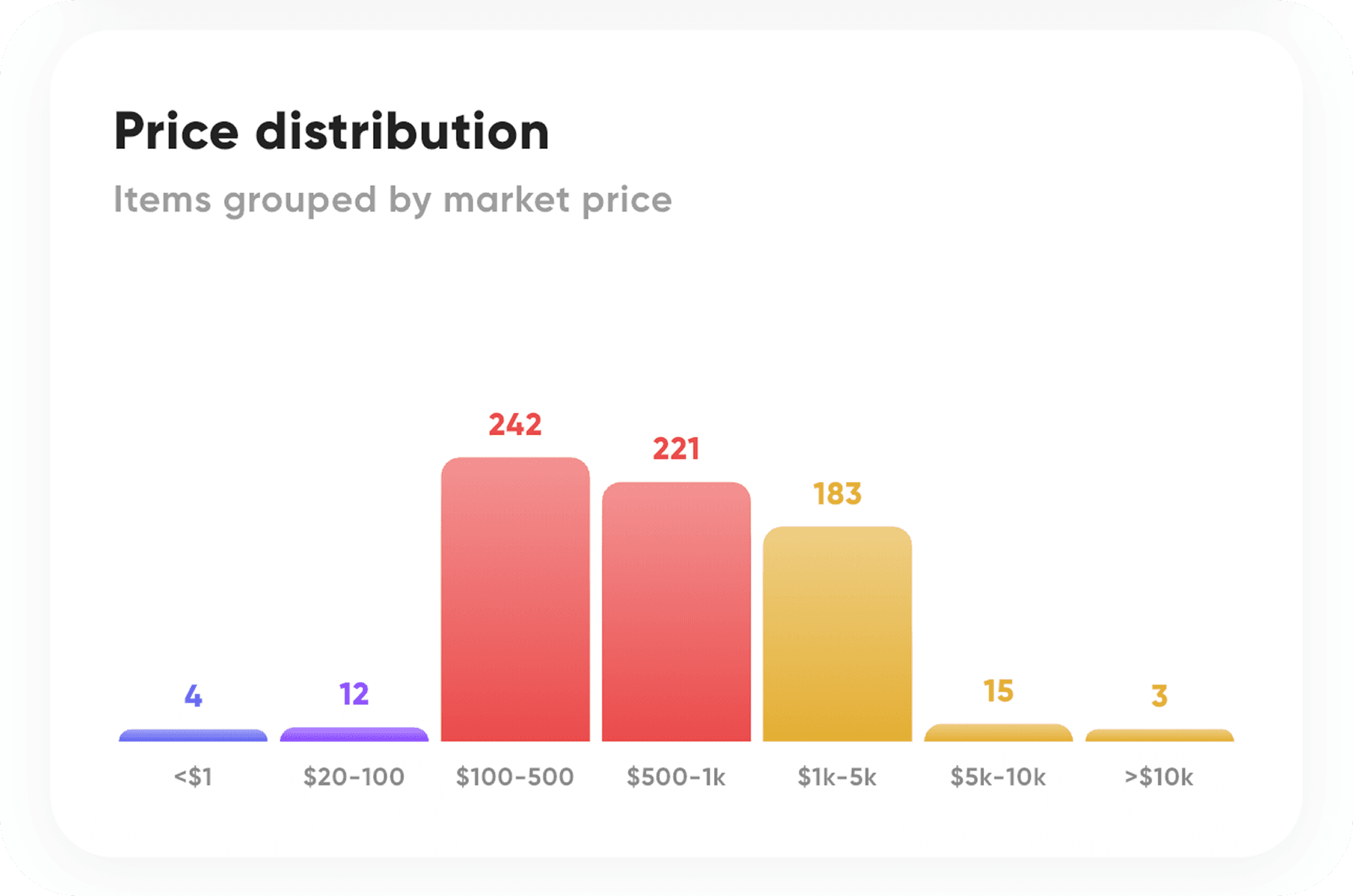
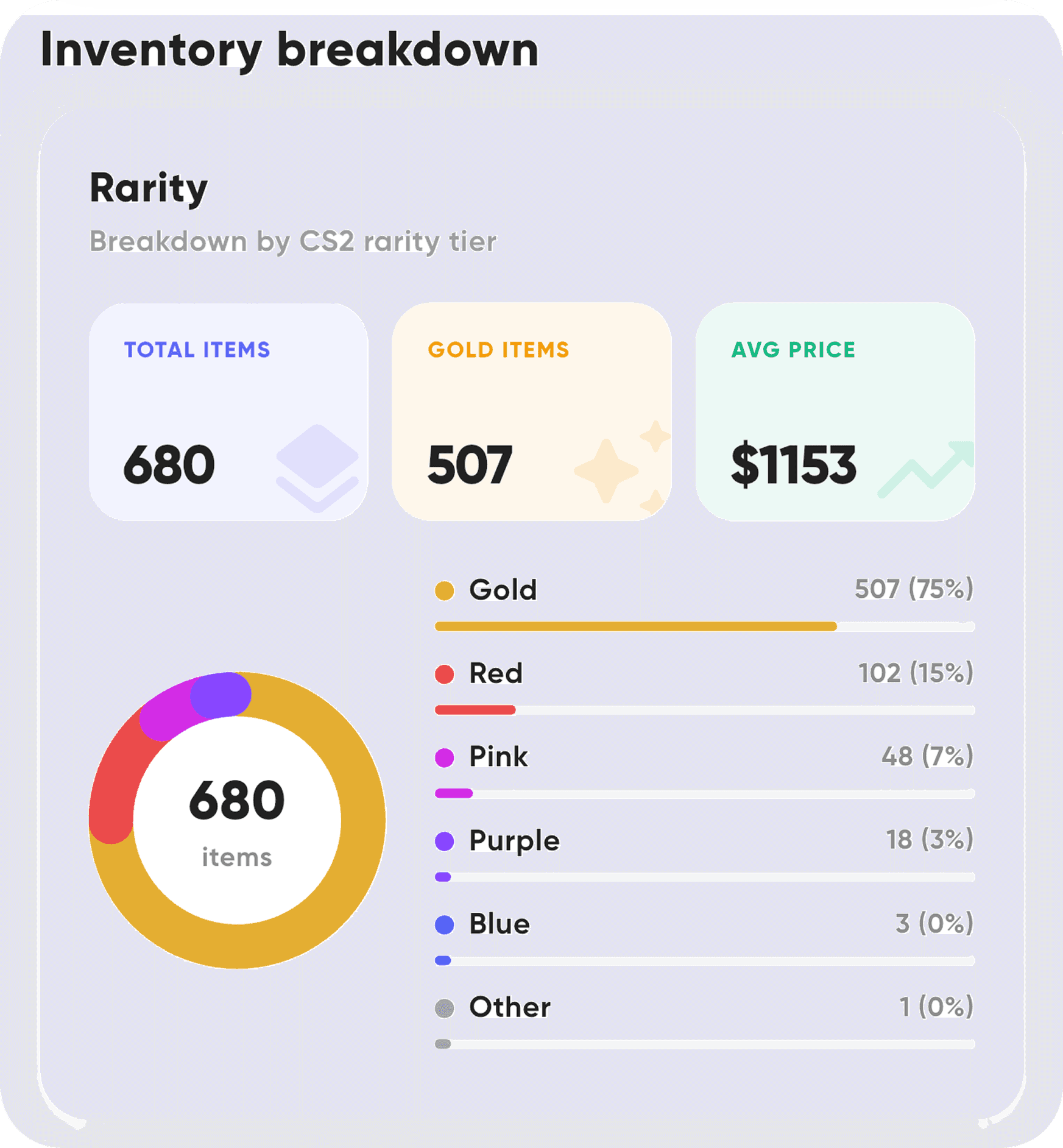
27000+
Skins tracked daily
up to 90
Days of historical data
60s
Time required to sync
Built for CS2 players & skin collectors
Track your inventory, understand prices and make better decisions - all in one place.
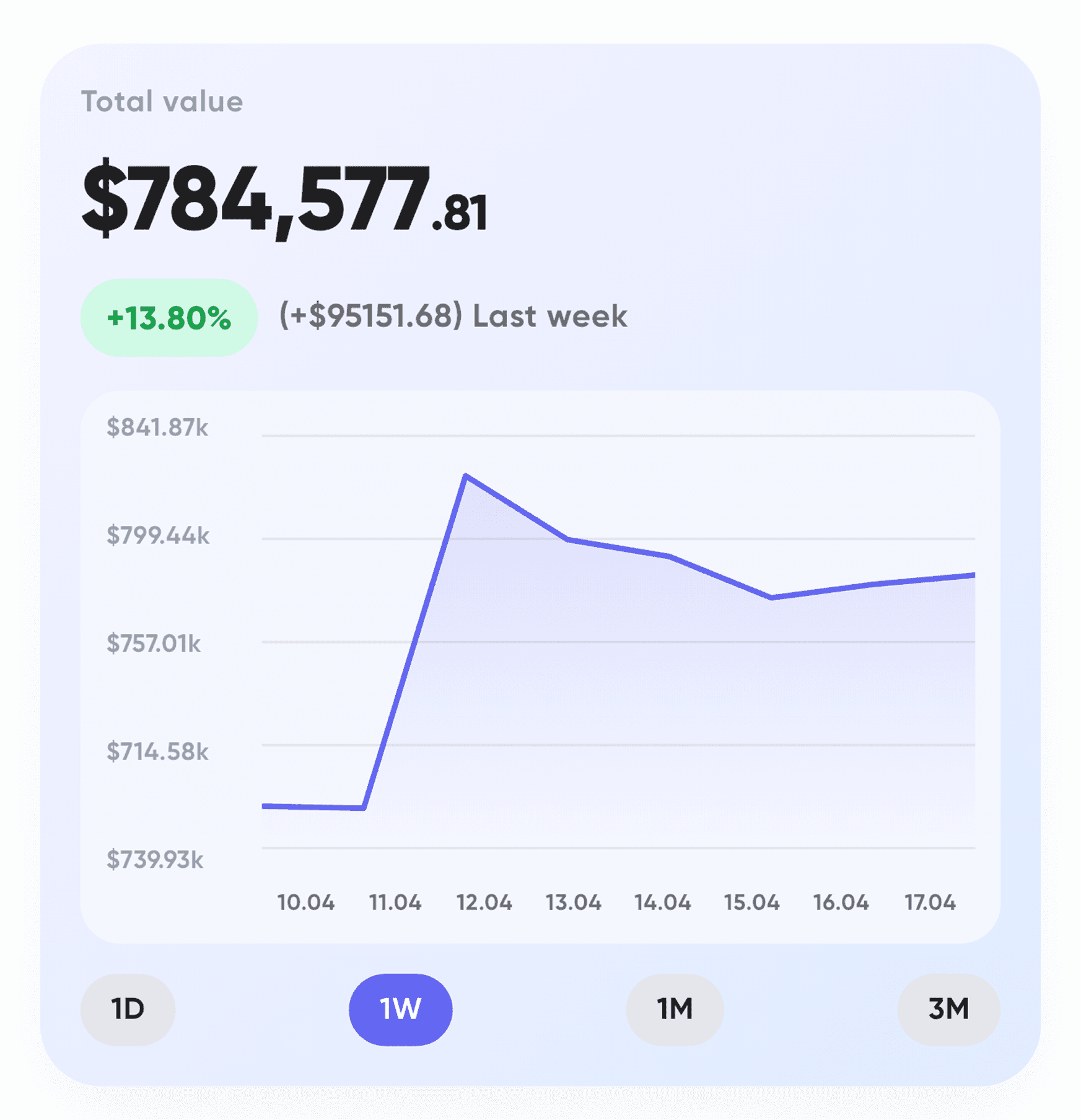

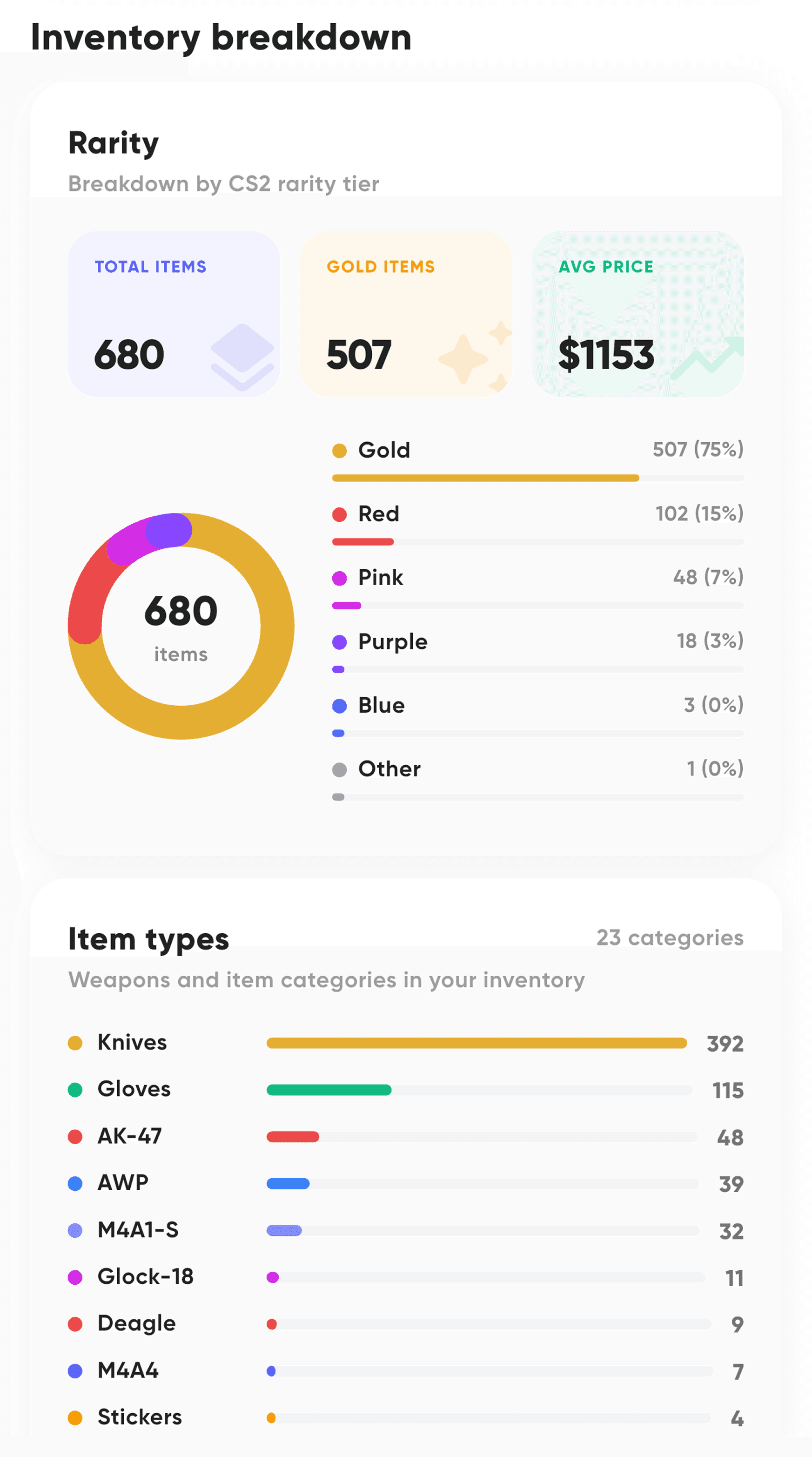
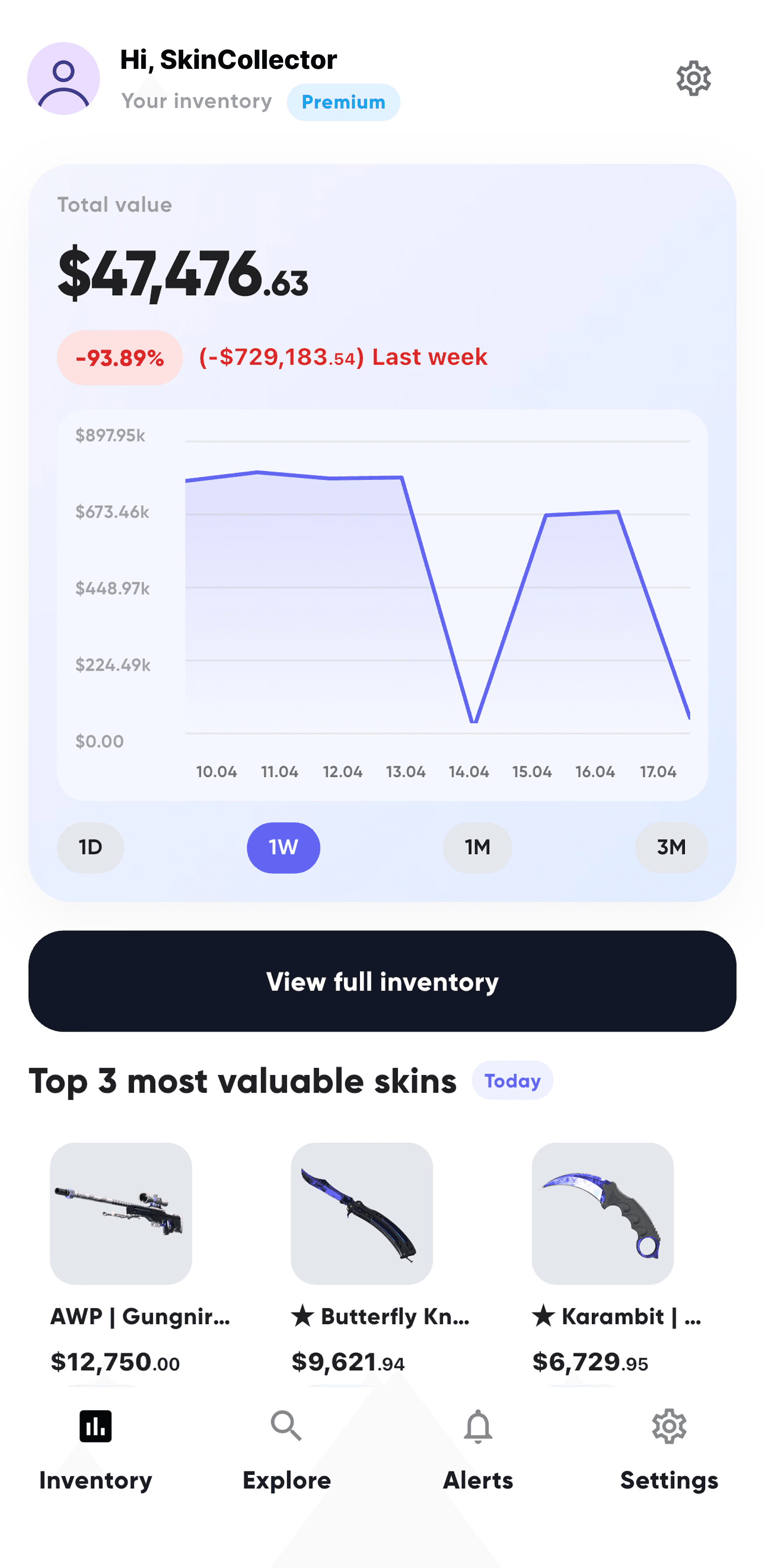
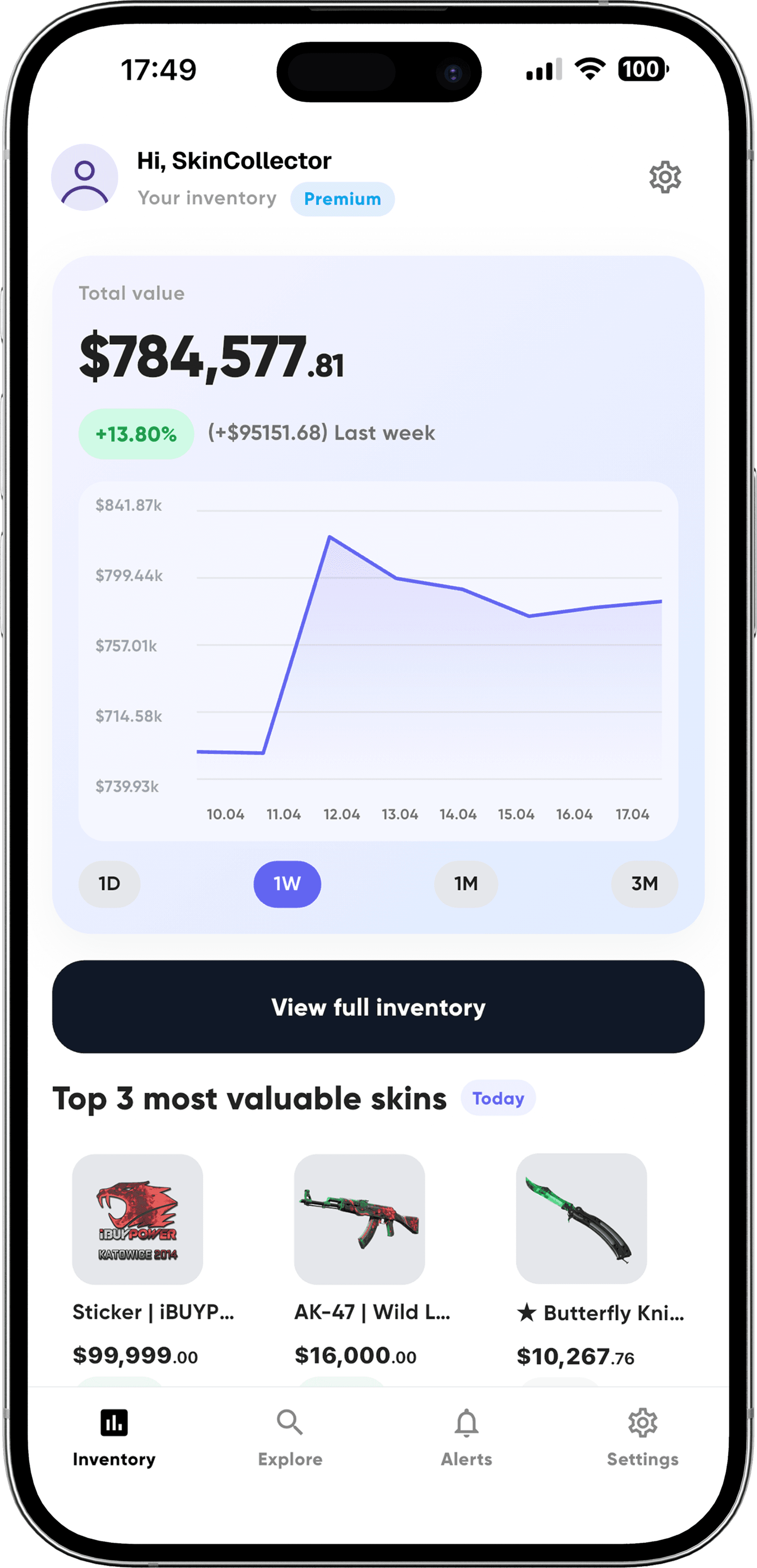
Portfolio tracker
Total inventory value in real time
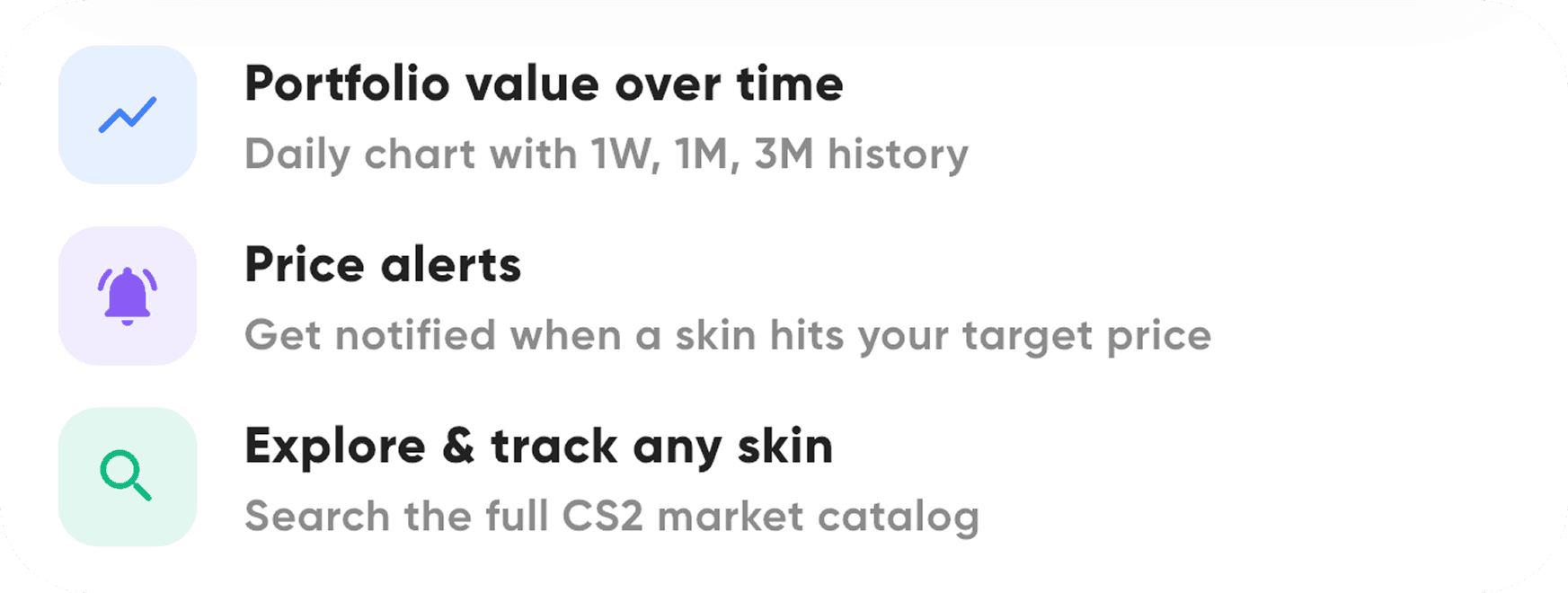
Daily price changes & history
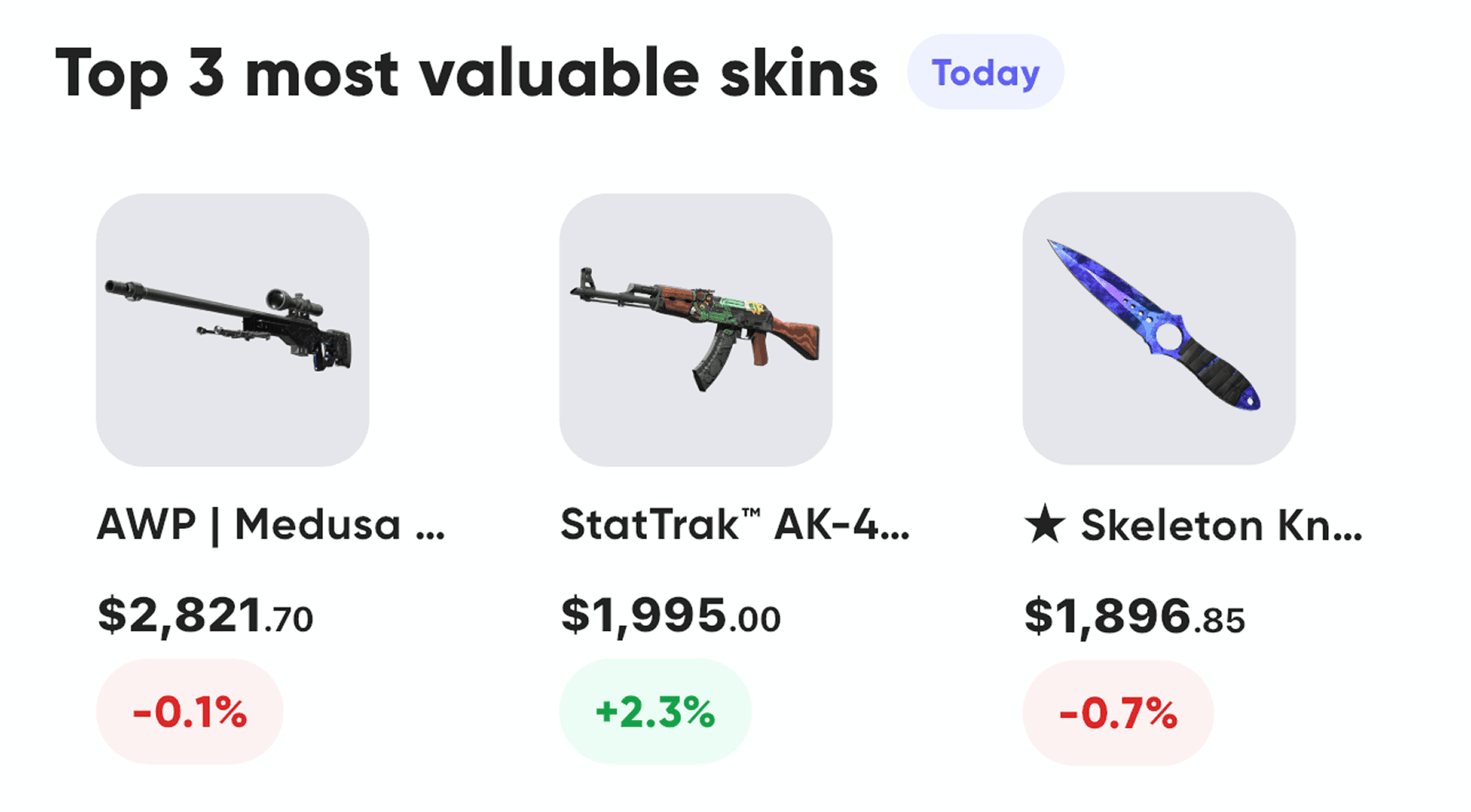
Top valuable skins overview
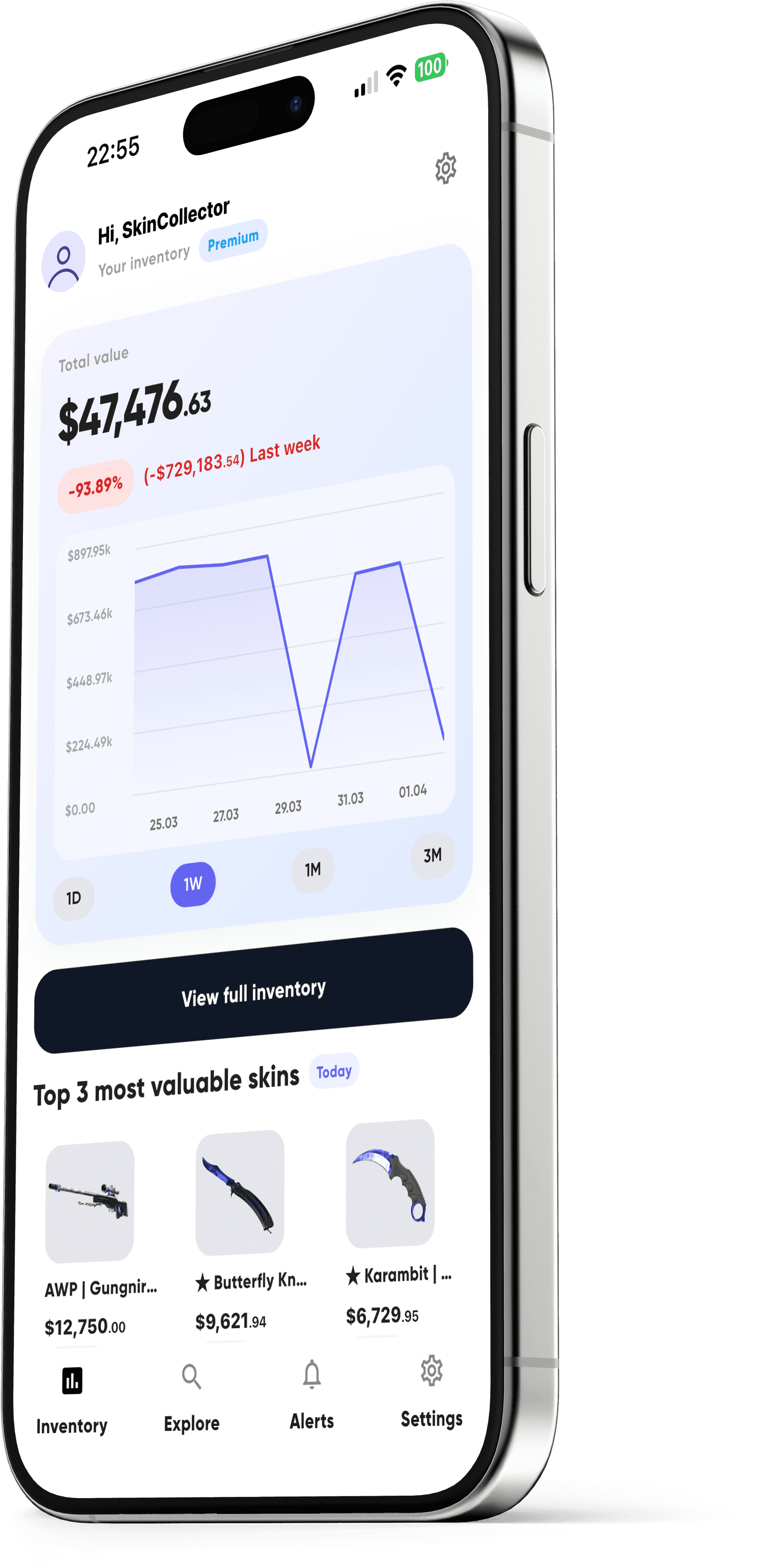
Available on iOS & Android


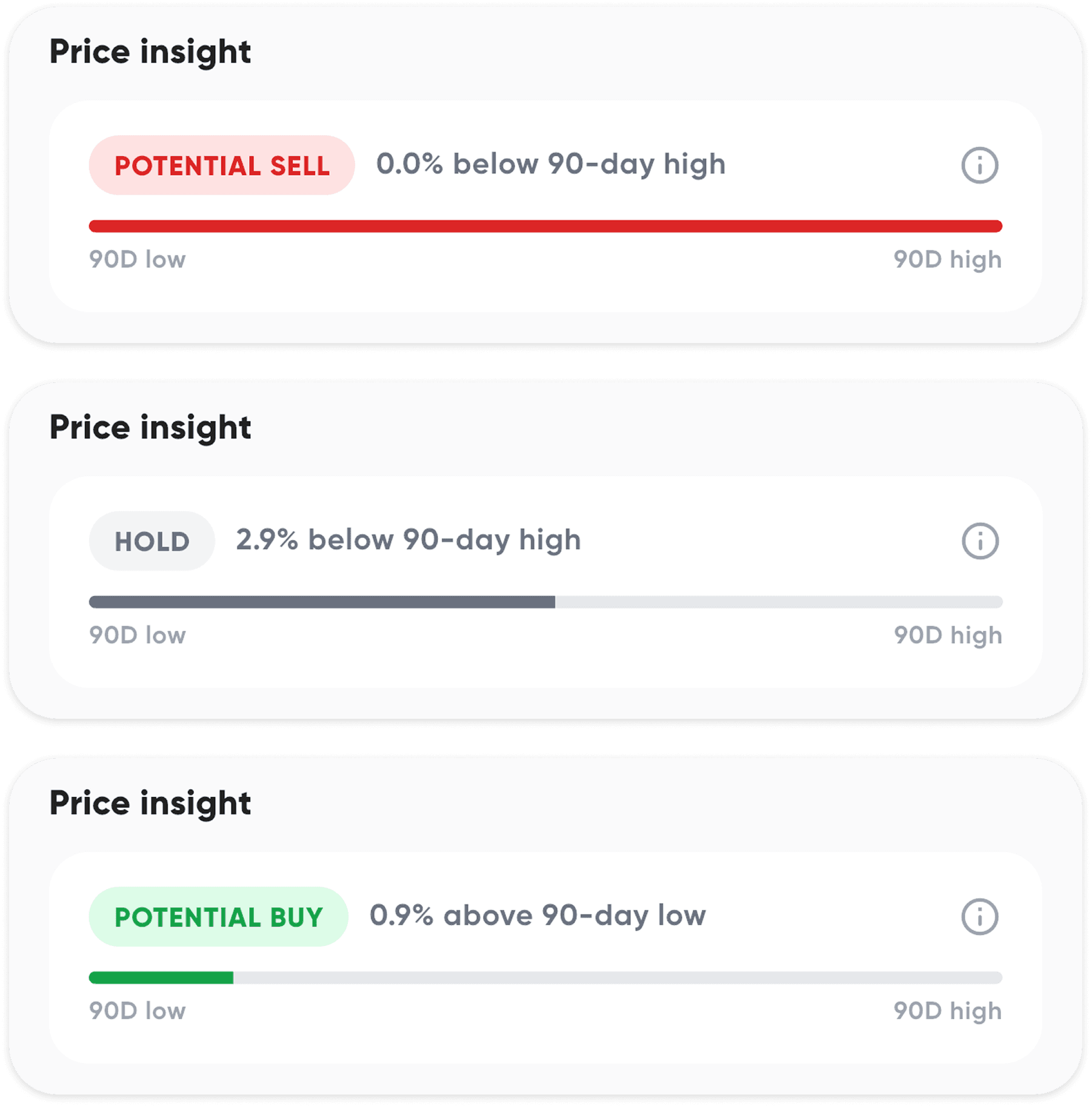
Smart Buy
indicator
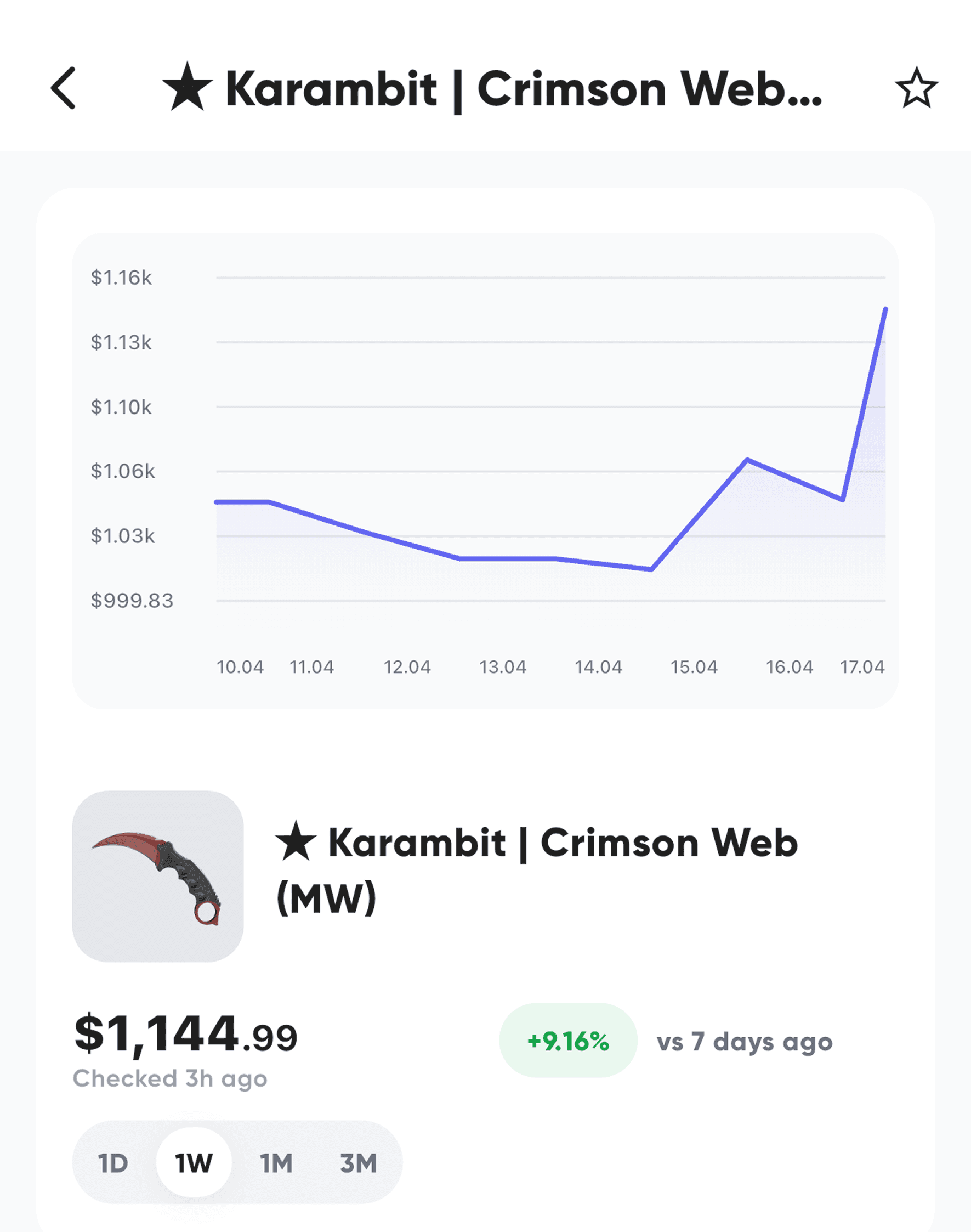
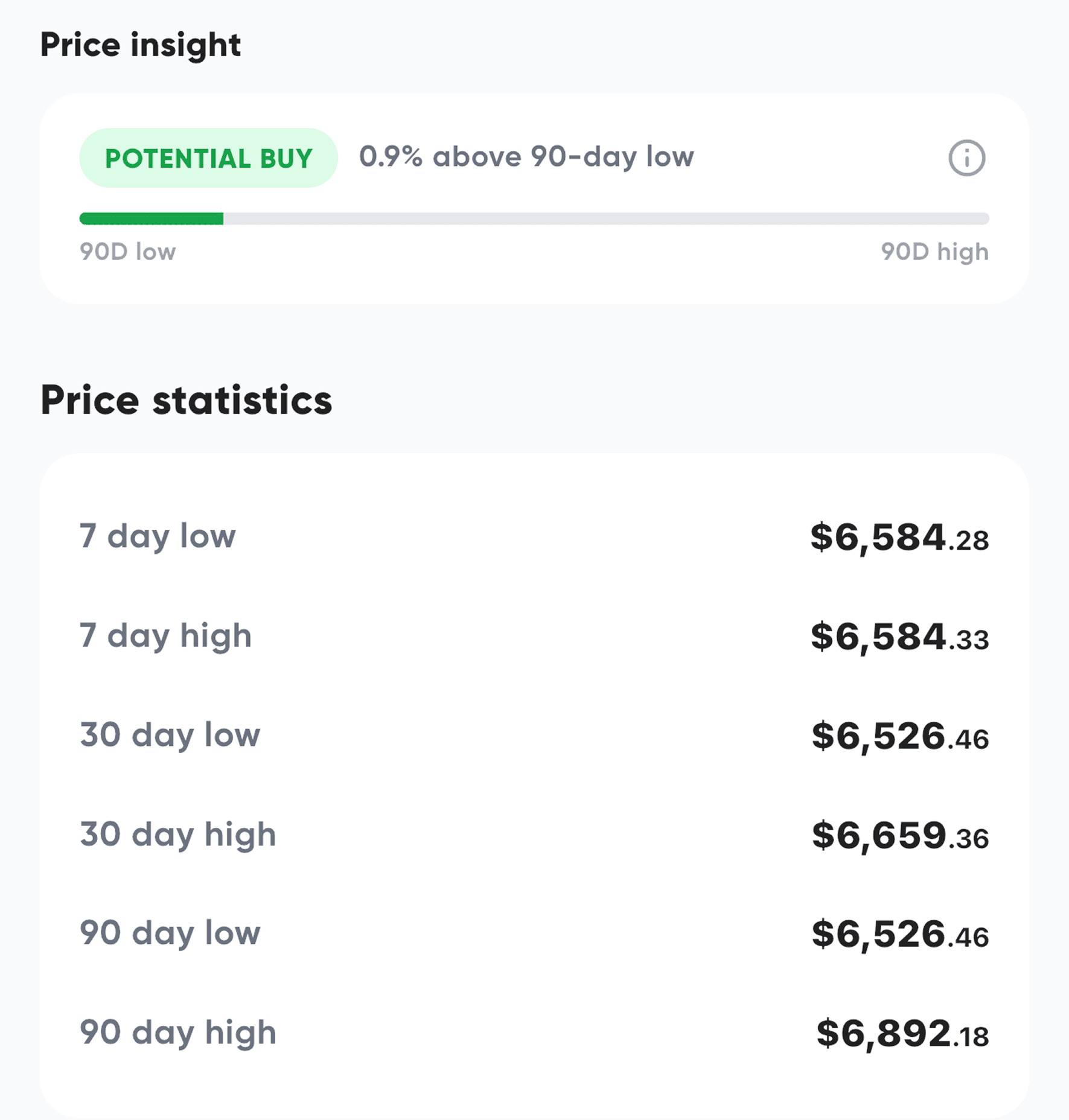
Know when a skin is actually underpriced or overpriced
Based on 90-day price history, instantly see if you’re buying near the bottom - or overpaying.
Everything you need to track your CS2 skins
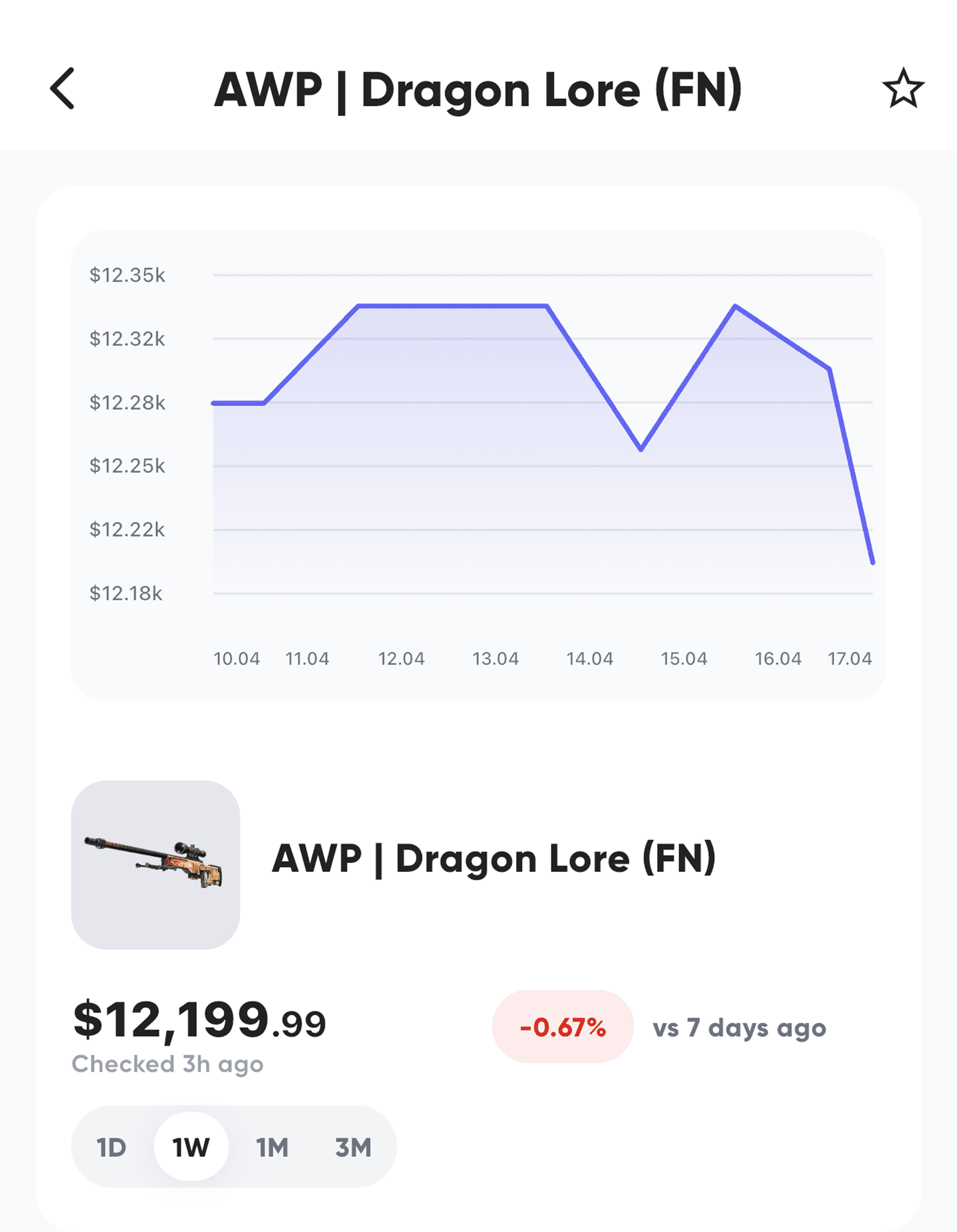
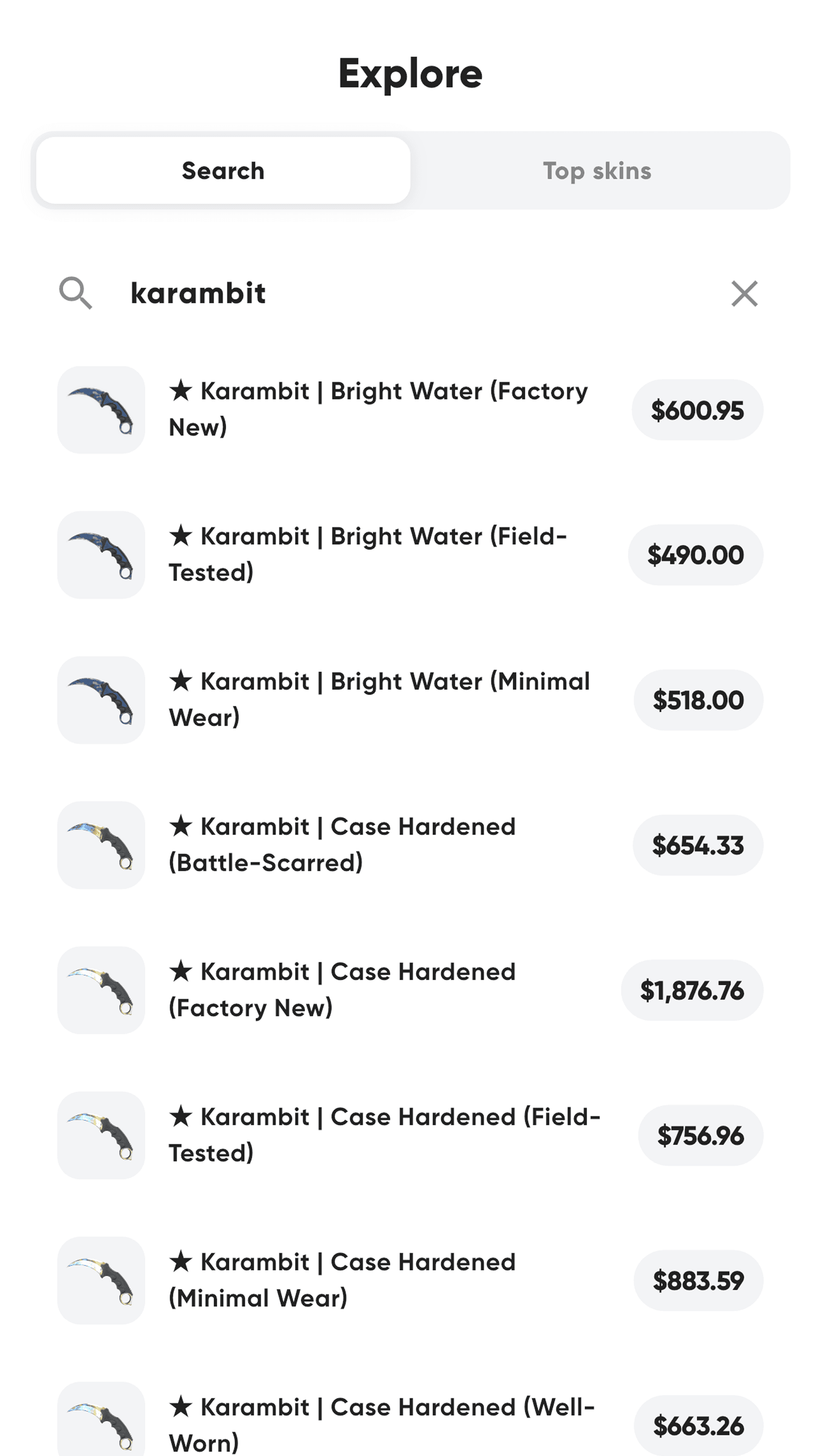
Daily price tracking
Track prices updated daily across your inventory
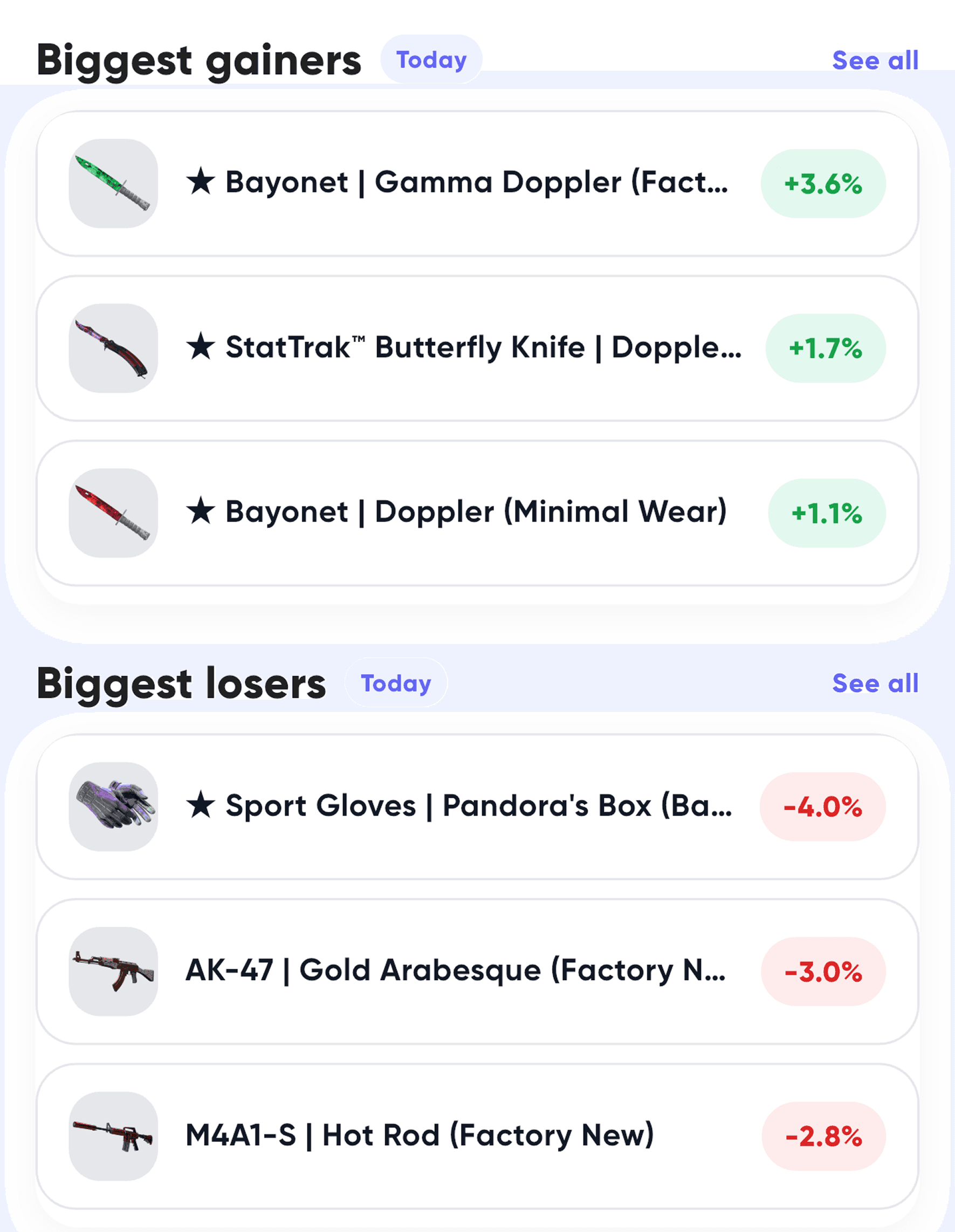
Smart insights, not guesses
Use data instead of intuition when buying skins

Instant alerts
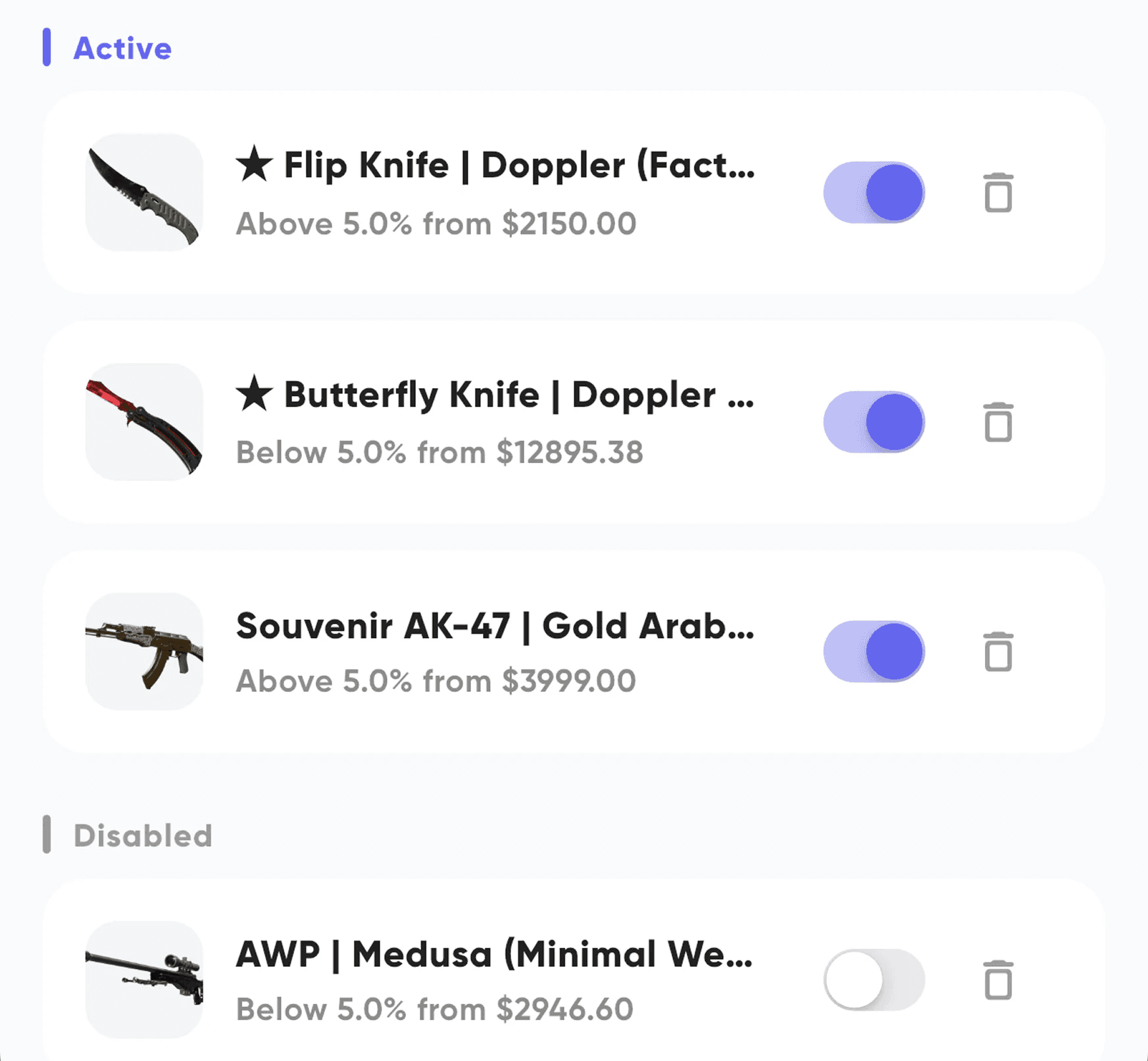
Get notified when a skin hits your target price.

Portfolio overview
See your total value and top skins in one place.

Fast setup
Connect your Steam and start in under a minute.
Why people use SkinTracker


Find undervalued skins and better entry points using real data.
For traders
Start free. Upgrade when you need more insights.
Track your skins for free — unlock advanced tools when you’re ready.
Cancel anytime. No hidden fees.
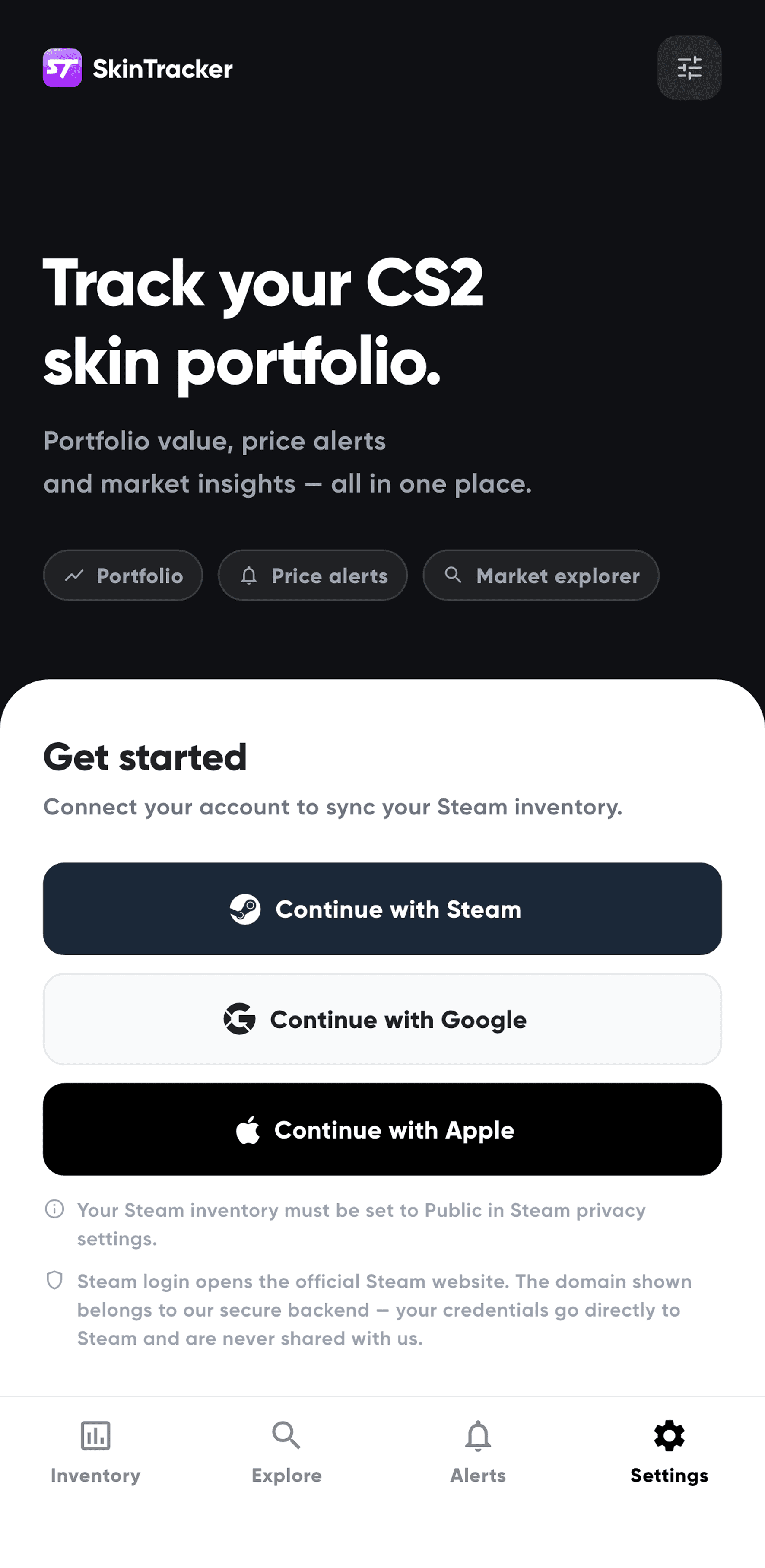
Made for every type of CS2 player
From casual players to serious traders - track, analyze and act on your skin data.
Traders
Collectors
Casual Players